
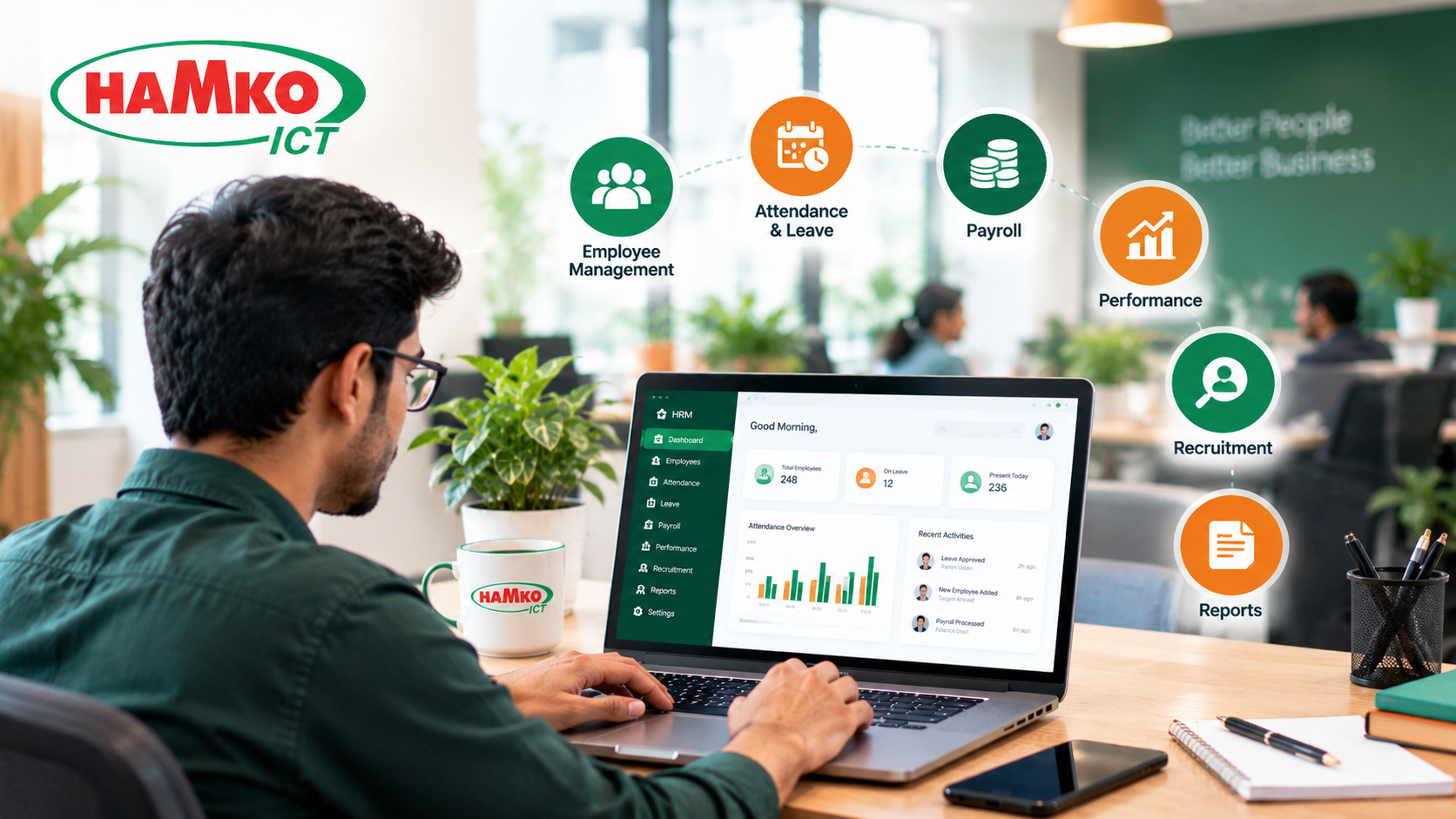
As a company grows, managing employees becomes more complicated. A small business may initially track attendance in a register, calculate salaries in spreadsheets, and approve leave requests through email or messaging apps. But as the workforce expands across departments, branches, or locations, these manual processes can create errors, delays, and confusion.
Human Resource Management (HRM) software helps businesses organize employee information, automate routine HR tasks, manage payroll, and make better workforce decisions through a centralized system. However, not every company needs every available feature from day one. The right solution should address current operational problems while supporting future growth.
This guide explains the essential HRM software features growing companies should consider, how they work in practice, and what businesses should evaluate before choosing a system.
What Is HRM Software, and Why Does It Matter?
HRM software is a digital platform that helps organizations manage employee information and human resource activities throughout the employee lifecycle, from recruitment and onboarding to payroll, performance reviews, and separation.
Instead of maintaining separate spreadsheets for attendance, employee records, salaries, and leave balances, a connected HRM system allows authorized users to work with consistent information. For example, approved attendance data can feed into payroll calculations, while employee promotions can update job titles, reporting structures, and compensation records.
The need for organized HR management is not new. According to the Society for Human Resource Management (SHRM), formal personnel departments expanded rapidly in the United States during the early twentieth century as industrial production and workforce-management demands increased. SHRM’s predecessor organization was established in 1948, reflecting the growing importance of professional HR practices. Modern HR software extends that organizational discipline through digital records, automation, and reporting.
For growing companies, the objective is not simply to digitize paperwork. It is to build reliable, repeatable processes that allow the business to manage more employees without proportionally increasing administrative work.
1. Centralized Employee Database
An employee database is the foundation of an effective HRM system. It stores important information in one organized location instead of scattering records across paper files, spreadsheets, and individual computers.
A useful employee profile should include contact details, job title, department, joining date, employment status, salary information, emergency contacts, relevant documents, and reporting manager. Depending on the company’s needs, it may also store training records, promotion history, assigned assets, and contract details.
Why it matters: When an employee changes departments or receives a promotion, HR should not need to update several unrelated files manually. A centralized system can maintain the employee’s history and make approved changes available to connected modules.
Growing companies should look for searchable records, customizable fields, document storage, bulk data import, and an audit trail showing who changed important information and when. Access to sensitive fields should be restricted according to each user’s responsibilities.
2. Attendance, Shift, and Leave Management
Attendance management becomes particularly important when a business has multiple departments, rotating shifts, field employees, or several branches. Manual registers can be difficult to reconcile, especially when overtime, late arrivals, missed punches, and different work schedules must be considered.
A capable HRM system should support attendance tracking through suitable methods such as biometric devices, web-based check-ins, or mobile attendance. The right option depends on the nature of the workplace and the company’s policies.
Shift management should allow HR to define working hours, assign employees to schedules, and identify exceptions. Leave management should support applications, approval workflows, leave balances, holidays, and notifications.
Consider a manufacturing business with day and night shifts. If an employee misses a clock-out, the system should flag the incomplete record rather than silently treating the data as correct. A supervisor can review and approve the correction before it affects payroll.
For businesses in Bangladesh, check whether the software can accommodate your actual shift patterns, overtime rules, holiday policies, and applicable employment requirements. Do not assume that every product automatically complies with local regulations.
3. Payroll and Salary Automation
Payroll is one of the most important HRM features because salary errors can damage employee trust and create additional administrative work.
A payroll module should calculate salaries using approved employee records, attendance, leave, overtime, allowances, deductions, bonuses, and other applicable compensation components. It should also support payslip generation and maintain a record of payroll changes.
For example, when approved attendance data is connected to payroll, HR can review overtime and absence adjustments without entering the same information twice. Before salaries are finalized, the system should flag unusual changes, missing records, or incomplete approvals.
For Bangladesh-based businesses, evaluate support for the salary structures you actually use, including basic salary, overtime, festival bonuses, provident fund deductions where applicable, and relevant tax calculations. Verify how the vendor handles changes in rules and whether payroll reports meet your accounting and documentation needs.
A critical requirement: Payroll automation should not mean payroll runs without oversight. Authorized staff should be able to review calculations, approve the payroll batch, and retain an audit trail before payment.
4. Employee Self-Service Portal
An employee self-service (ESS) portal allows employees to access selected HR services without contacting the HR department for every request.
Depending on the software, employees may be able to:
-
View their profiles and update permitted personal information.
-
Apply for leave and check remaining balances.
-
View attendance records and request corrections.
-
Download payslips and access approved documents.
-
Review company announcements, policies, and holiday schedules.
The practical benefit is fewer repetitive questions and a clearer process for routine requests. Employees can check their own information, while managers and HR staff can focus on exceptions and more complex issues.
For a growing company, mobile-friendly access is especially useful when employees work outside a central office. However, the portal must use secure authentication and appropriate permissions. Employees should never be able to view another employee’s salary or private documents without authorization.
5. Recruitment and Onboarding
As a business expands, hiring can become difficult to coordinate. Job applications may arrive through email, job portals, referrals, and social media, leaving recruiters to track candidates across multiple files.
Recruitment features help organize vacancies, applications, interview schedules, candidate feedback, and hiring approvals. More advanced systems may support job-posting integrations, reusable job descriptions, and offer-letter workflows.
Onboarding begins after a candidate accepts an offer. A good onboarding module helps HR collect required documents, prepare contracts, assign orientation tasks, and coordinate with the relevant department.
For example, when a new employee joins, HR can create an onboarding checklist covering document verification, policy acknowledgment, equipment allocation, system access, and introductory training. Each responsible person can see their assigned tasks and completion status.
This also creates an opportunity to connect HR with IT and administration. The process for providing a new employee with a laptop, email account, access card, or other company assets can be coordinated rather than handled through separate, informal requests.
6. Performance Management and Employee Development
Growing businesses need a consistent way to understand employee performance and identify development needs. Informal conversations remain valuable, but they may not provide enough structure when teams and reporting lines expand.
Performance management features can support goal setting, periodic reviews, manager feedback, competency assessments, and development plans. Some systems also provide 360-degree feedback, where appropriate.
The software should allow a company to configure review cycles and criteria based on different roles. For instance, a sales employee and a software developer may require different performance indicators. Applying the same measurements to both would provide little useful insight.
The goal should be constructive, documented feedback rather than collecting ratings for their own sake. Managers should be able to review progress, record agreed development goals, and follow up on training needs.
Companies should also consider learning and development features if employee training is a significant priority. A separate learning management system may be more suitable for organizations that need extensive courses, assessments, and certification tracking.
7. Reports, Dashboards, and Workforce Analytics
A growing company needs more than a database of employee information. Decision-makers need to understand what is happening across the workforce and identify patterns that require attention.
Useful HRM reports may include headcount by department, employee turnover, attendance exceptions, overtime, leave utilization, recruitment progress, and payroll summaries. Dashboards can help authorized managers monitor key indicators without manually combining several spreadsheets.
For example, a rising overtime trend in one department may indicate understaffing, scheduling problems, or increased demand. The report does not explain the cause by itself, but it gives managers a starting point for investigation.
Before choosing a system, confirm that you can filter reports by date, department, branch, and employee group. Check whether the software allows authorized users to export data and create custom reports. Sensitive information should remain restricted even when reports are shared with managers.
8. Security, Permissions, and Audit Trails
HRM software contains sensitive information, including personal details, employment documents, and compensation records. Security should therefore be a core requirement, not an optional feature added after implementation.
Look for role-based access controls, secure authentication, encrypted data transmission, regular backups, and logs of important changes. Multi-factor authentication and single sign-on may be valuable depending on the organization’s IT environment.
Permissions should reflect real responsibilities. A line manager may need to approve leave and view attendance for their team but should not automatically have access to every employee’s salary details. Similarly, payroll staff may need compensation data without requiring access to all recruitment notes.
Ask the vendor how data is backed up, restored, retained, exported, and deleted. Confirm who can access the system, how access is removed when employees leave, and how security incidents are handled. The company should also understand its responsibilities for lawful data collection and employee privacy.
9. Integration and Workflow Automation
HRM software becomes more useful when it connects with the systems a company already relies on. Without integrations, employees may still need to enter the same information into accounting software, attendance devices, or other business applications.
Depending on the company’s operations, useful integrations may include:
-
Biometric attendance devices and access-control systems.
-
Accounting or ERP software for approved payroll and financial data.
-
Email, calendars, and notification services.
-
Recruitment platforms and document-signing tools.
-
Identity management and employee IT-access systems.
Workflow automation can reduce repetitive follow-ups. For example, a leave request can be sent to the correct manager, trigger a notification when approved, and update the employee’s leave balance. A new hire’s approved record can trigger onboarding tasks for HR, IT, and administration.
During a software demonstration, ask the vendor to show a complete workflow—not merely a list of available integrations. Confirm whether the connection is included in the price, requires additional development, or depends on a third-party service.
10. Scalability, Customization, and Local Support
A system that works for 25 employees may become difficult to manage when the company reaches 150 employees or opens additional branches. The software should be able to accommodate expected growth without forcing the business to rebuild its HR processes.
Consider whether it supports multiple locations, departments, reporting structures, shifts, and employment categories. Check how easy it is to add users, configure approval rules, create new fields, and introduce additional modules.
Cloud-based systems can offer convenient access and vendor-managed infrastructure, while on-premises or specially hosted deployments may be appropriate for organizations with specific technical or governance requirements. The best choice depends on security, budget, connectivity, IT capacity, and operational needs.
Local support also matters. A business in Bangladesh should confirm the availability of implementation assistance, staff training, clear documentation, and help resolving payroll or attendance issues. Ask about ongoing costs, support response times, data migration, and the process for exporting company records if the business changes providers.
How to Choose the Right HRM Software for Your Company
The best HRM system is not necessarily the one with the longest feature list. It is the one that solves the company’s most important problems and can grow with its needs.
Before making a decision, prepare a short requirements checklist:
-
Identify current problems. List the tasks consuming the most time, such as payroll preparation, attendance reconciliation, leave approvals, or employee record management.
-
Separate essential features from future requirements. Most growing companies should evaluate employee records, attendance, leave, payroll, permissions, and reporting first. Recruitment, performance, learning, and advanced analytics can be added according to business priorities.
-
Test real workflows. During a demonstration, use scenarios from your own company, such as correcting attendance, approving leave, processing overtime, and preparing payroll.
-
Check the total cost. Include setup, data migration, training, subscriptions, integrations, maintenance, and future module charges.
-
Plan implementation. Assign responsibility for data cleanup, user permissions, employee training, testing, and payroll verification before going live.
Start with a manageable scope and measure the results. Useful indicators include time spent preparing payroll, the number of attendance corrections, approval delays, and how often HR staff must respond to routine employee questions.
Final Thoughts
HRM software helps growing companies move from scattered records and manual approvals to more consistent, transparent HR processes. Employee databases, attendance, leave, payroll, self-service, reporting, and security form a strong foundation. Recruitment, performance management, integrations, and advanced analytics can support the next stage of growth.
The important decision is how well these features work together. A system that shares reliable data across HR workflows can reduce duplicate entry, make approvals easier to track, and give managers a clearer view of workforce operations.
If your business needs an HRM system that fits its processes, consider working with a software development team that can assess your requirements, configure suitable workflows, and plan integrations with your existing systems. HAMKO ICT provides business software development solutions for organizations looking to improve operational efficiency through technology. Visit HAMKO ICT to explore its services and discuss your business software requirements.
