
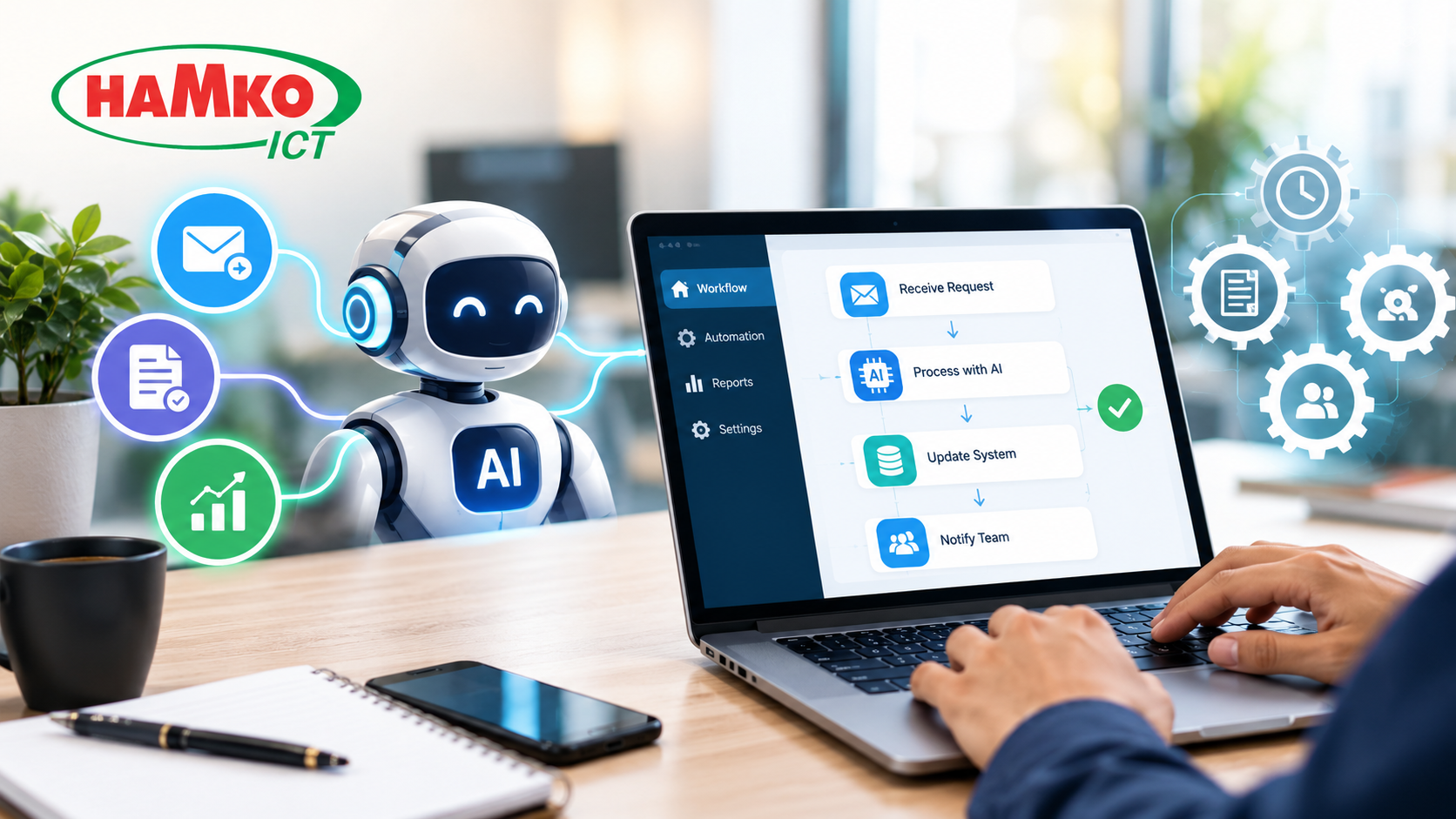
Every business has work that needs to be done but does not necessarily need a person to do it manually every time.
Copying customer information from one system to another, replying to similar enquiries, preparing recurring reports, checking documents, updating CRM records, sending follow-up emails, organizing invoices, and moving data between spreadsheets may each take only a few minutes. But when these tasks happen hundreds or thousands of times, they can consume a significant amount of employee time.
This is where AI automation for business can make a practical difference.
Traditional automation can follow predefined rules such as “when this happens, do that.” AI automation can add the ability to understand text, classify information, summarize documents, extract data, make bounded decisions and determine what should happen next.
IBM describes intelligent automation as a combination of technologies such as AI, robotic process automation and business-process automation designed to streamline repetitive work and decision-making.
The goal is not necessarily to replace employees. The bigger opportunity is to remove repetitive steps so employees can spend more time on work that requires judgment, creativity, communication and problem-solving.
The best automation does not simply make a task faster. It removes unnecessary human involvement from the parts of the process that do not require human judgment.
What Is AI Automation?
AI automation means using artificial intelligence inside a business workflow so that software can perform tasks that previously required repeated human intervention.
Consider a simple sales process.
A potential customer submits a form.
Normally, an employee may need to:
-
Read the enquiry.
-
Identify the customer's requirements.
-
Copy the information into a CRM.
-
Categorize the lead.
-
Assign it to a salesperson.
-
Send a confirmation email.
-
Create a follow-up task.
Traditional automation can handle predictable steps, such as creating a CRM record after a form submission.
AI can add another layer. It can read the customer's message, understand the request, classify the lead, extract relevant information and help determine where the enquiry should go.
This is why current AI workflow platforms describe AI automation as automation that can interpret context rather than simply follow fixed if/then rules. Zapier, for example, distinguishes AI workflow automation from conventional automation by its ability to handle tasks involving interpretation, such as classifying messages, summarizing information and routing work.
Where Businesses Can Use AI Automation
AI automation is useful when a process is repetitive, high-volume, structured enough to define, and contains some amount of information interpretation.
Common opportunities include:
Sales and Lead Management
Sales teams often spend considerable time managing leads instead of talking to potential customers.
AI automation can help with:
-
Reading incoming enquiries
-
Extracting customer information
-
Lead qualification
-
CRM data entry
-
Lead routing
-
Follow-up reminders
-
Personalized first-draft emails
-
Sales-call summaries
For example, if someone submits a request saying, “We need an eCommerce website with payment integration and inventory management,” an AI workflow could extract those requirements, classify the enquiry as a web-development lead, add the information to the CRM and notify the appropriate sales employee.
The salesperson still makes the important decision. The system simply removes the repetitive preparation.
Customer Support Automation
Customer service is another area where repetitive work appears naturally.
A support team may receive hundreds of messages asking about delivery status, pricing, account information, product availability or common technical problems.
Instead of treating every message identically, AI can classify incoming requests and determine what should happen next.
For example:
Customer message → AI reads request → identifies intent → checks available information → drafts response or routes to employee → updates ticket
AI can also summarize long conversations before an employee takes over, helping the support agent understand the issue without reading the entire history.
This does not mean every customer conversation should be fully automated. Complex complaints, sensitive situations and cases requiring business judgment should remain under appropriate human supervision.
Finance, Invoices and Document Processing
Finance departments often handle large amounts of repetitive information.
Invoices, receipts, purchase documents, bank statements and other business records may arrive in different formats.
AI-powered document processing can extract information from documents and send structured data into business systems.
This is particularly useful when the information is not already stored in a clean database.
A real manufacturing example comes from Covestro, a global polymers company. UiPath reports that Covestro combined RPA with AI-powered document processing to handle sick-leave submissions. The system used OCR, document classification and machine-learning-based extraction, and the company reported an 85% reduction in time spent on the process, with 95% accuracy and around 500 documents processed per week. These figures are reported by UiPath as a customer case study.
The broader lesson is simple: AI automation becomes particularly useful when employees repeatedly turn messy documents into structured business information.
HR and Employee Operations
HR teams also deal with many repeatable processes.
Examples include:
-
Employee onboarding
-
Document collection
-
Leave processing
-
CV screening assistance
-
Interview scheduling
-
Employee enquiry routing
-
Policy-document summarization
-
HR record updates
-
Recurring notifications
For example, when a new employee joins, the business may need to collect documents, create accounts, notify departments, schedule orientation and update HR records.
Instead of sending each request manually, an automated workflow can coordinate the sequence.
AI can handle the parts requiring interpretation, while conventional automation can execute predictable actions.
This combination is important because AI does not need to replace traditional automation. In many practical systems, the two work together.
Reporting and Data Management
Another major source of repetitive work is preparing reports.
Employees may spend hours every week collecting information from spreadsheets, CRM systems, accounting software, email and other applications before turning it into a management report.
AI automation can help collect information, summarize changes, identify anomalies and prepare a first version of the report.
For example:
Sales data + customer data + support data → automated analysis → weekly management summary
The manager can then review the output rather than waiting for someone to manually prepare the same report every Monday.
This approach is becoming more important as AI moves from simple assistance toward systems that can execute repeatable, multi-step work. OpenAI's recent enterprise research describes this shift as a move from AI assistance toward more delegated and agentic workflows.
AI Automation vs Traditional Automation
It is important not to assume that every automation requires AI.
Traditional automation is excellent when the rules are clear.
For example:
New order received → create invoice → update inventory → send confirmation
There may be no need for AI.
AI becomes useful when the workflow contains information that is difficult to process with rigid rules.
For example:
Read customer message → understand intent → classify request → summarize issue → choose appropriate workflow
That distinction can prevent businesses from unnecessarily adding AI to simple processes.
Use traditional automation for predictable rules. Use AI where the workflow requires interpretation, classification, language understanding or bounded decision-making.
Zapier's 2026 analysis of 375 companies found that AI represented only 18% of workflow steps in the workflows it analyzed, with conventional automation handling the rest. The company also reported that reserving AI for steps that actually require it reduced workflow costs compared with routing every step through an AI model.
That is an important practical lesson: AI should be used selectively, not everywhere.
AI Agents Take Automation a Step Further
The next stage of business automation is increasingly moving toward AI agents.
A traditional automation follows a predefined path.
An AI agent can interpret a goal, use connected tools, perform multiple steps and respond to changing information within defined limits.
For example, a traditional workflow might say:
New lead → send email → create CRM record
An AI agent could potentially:
Review new lead → research available company information → assess the lead against defined criteria → update CRM → draft personalized follow-up → notify salesperson
The difference is that the agent can handle a longer sequence of tasks instead of simply triggering one predetermined action.
OpenAI describes agents as systems that can execute workflows using tools, with the ability to interpret context, take actions and hand control back to people when needed.
However, agentic automation also increases the importance of permissions, monitoring and approval checkpoints. Current enterprise AI platforms emphasize controls and governance because an automated system that can take actions needs more oversight than a system that only generates text.
Real Business Results: Automation in Practice
There are already numerous examples of businesses using automation to reduce repetitive work.
For example, UiPath reports that WEX used automation for high-volume processes involving payment cards and claims. The company reports $2.7 million in savings and 70,000 hours of labor saved annually through its automation program.
Another example is Somany Impresa Group, an Indian manufacturing group. UiPath reports that the organization automated more than 80 processes, achieving approximately 80–90% reduction in manual effort across the reported use cases and 95% first-time-right processing. Again, these are vendor-published customer results, not guarantees for every business.
These examples demonstrate an important principle: automation does not have to begin with a massive company-wide transformation.
A business can identify one repetitive process, automate it, measure the result and then move to the next opportunity.
How to Find the Right Tasks to Automate
One of the biggest mistakes businesses make is starting with the technology instead of the process.
Before buying an AI tool, spend time identifying where employees actually lose time.
Look for tasks that are:
High volume — They happen frequently.
Repetitive — Employees follow similar steps each time.
Time-consuming — The accumulated hours are significant.
Rule-based or structured — The desired outcome can be clearly defined.
Data-heavy — Employees repeatedly move or process information.
Low-risk to automate — Mistakes can be detected or human approval can be added.
For example, “copy customer information from a form into the CRM” is usually a better first automation candidate than “decide which major customer strategy the company should use.”
The first has a repeatable process. The second requires business judgment.
Zapier similarly recommends starting with one high-volume, predictable process and measuring the result before expanding automation across the organization.
A Practical AI Automation Workflow for a Business
A business does not need to automate everything at once.
A practical implementation can follow this process:
Step 1 — Map the process
Document what employees actually do today.
Step 2 — Measure the workload
Estimate frequency, time spent and error rates.
Step 3 — Identify the bottleneck
Find the repetitive part that creates the greatest operational burden.
Step 4 — Decide whether AI is necessary
Use traditional automation where rules are sufficient and AI where interpretation is required.
Step 5 — Connect existing systems
The automation may need access to CRM, ERP, email, spreadsheets, accounting software, helpdesk systems or APIs.
Step 6 — Add human approval
For sensitive actions such as financial transactions, customer commitments or important business decisions, create approval checkpoints.
Step 7 — Measure the result
Track time saved, processing speed, error rate, response time and other business metrics.
Step 8 — Expand gradually
Once the first workflow is stable, identify the next repetitive process.
This approach is generally safer than attempting to automate an entire organization from day one.
What Businesses Should Not Automate Completely
AI automation is powerful, but not every task should be handed to a machine.
Tasks involving strategic decisions, sensitive customer situations, legal responsibility, financial approval, employee relations or unusual cases may require human involvement.
The objective should therefore not be:
“How much human work can we eliminate?”
A better question is:
“Which parts of this workflow genuinely require human judgment?”
Everything else becomes a potential automation candidate.
Final Thoughts
AI automation is changing the way businesses think about repetitive work.
The opportunity is not limited to chatbots or content generation. Businesses can use AI to classify enquiries, process documents, update CRM records, summarize information, prepare reports, route tasks, support employees and coordinate multi-step workflows.
The most effective approach is to start with the process—not the AI tool.
Find where employees repeatedly copy information, check documents, respond to similar requests, prepare the same reports or move data between systems. Then determine whether traditional automation, AI, or a combination of both can handle those steps reliably.
For growing businesses, the long-term opportunity is even bigger. AI automation can connect existing software, business data and workflows so employees spend less time managing repetitive processes and more time serving customers, solving problems and making decisions.
For businesses looking to implement AI automation, business process automation, CRM automation, workflow automation or custom AI-powered software, HAMKO ICT can help identify suitable processes and build integrations or custom solutions around the way the business actually operates.
